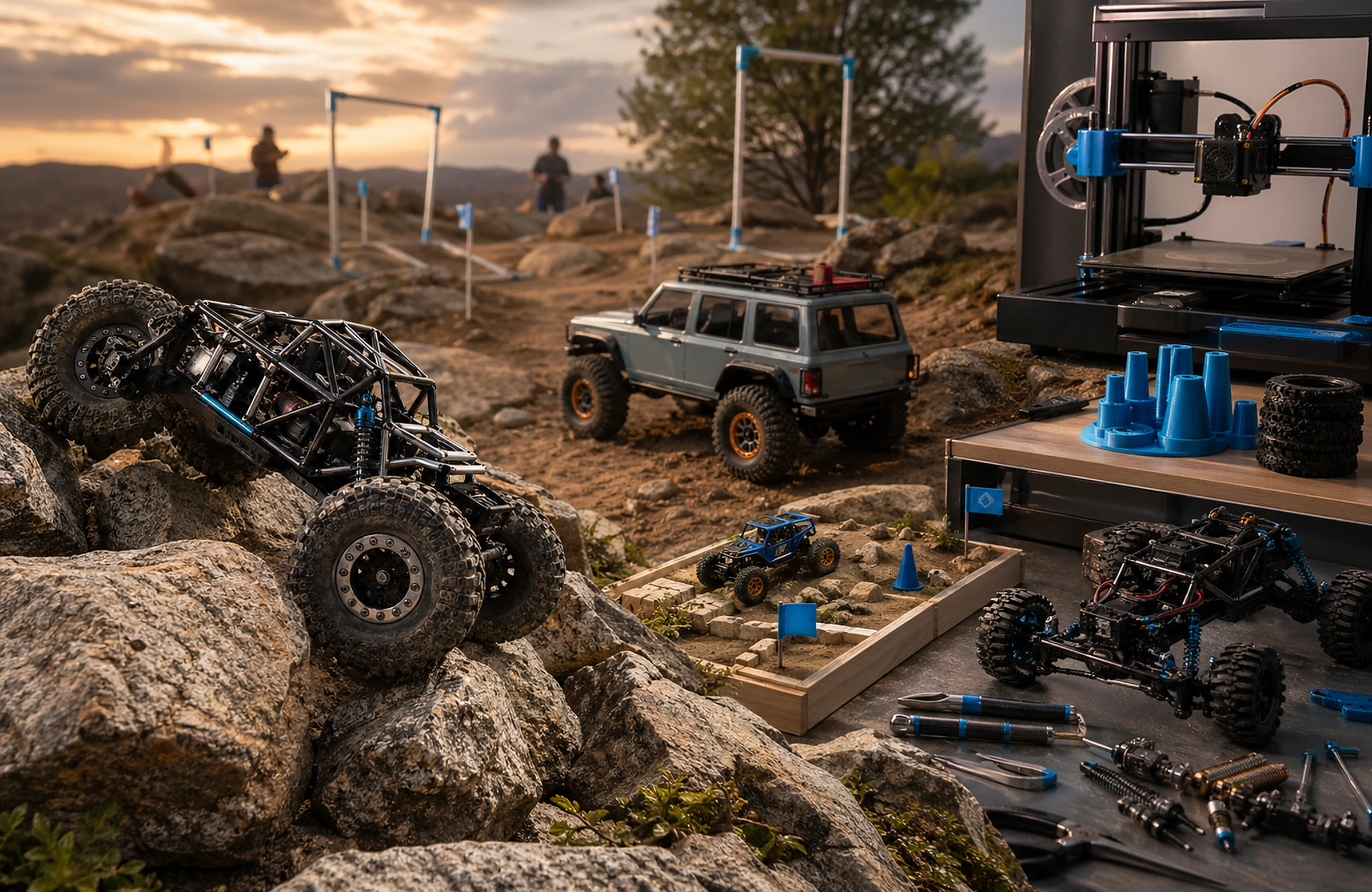
Choose the research command
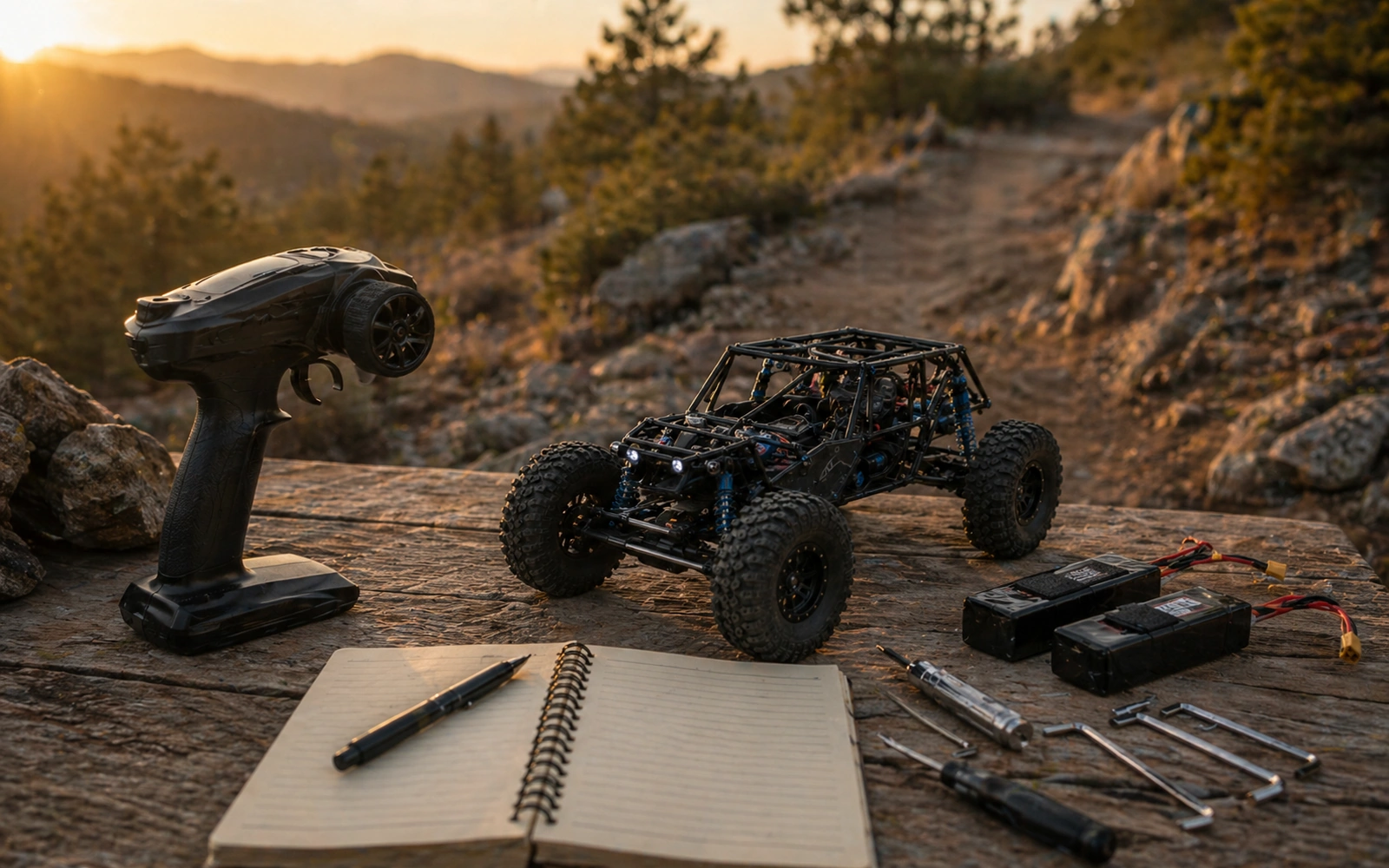
A useful parts search starts with what you already know. Pick the path that matches your question, then narrow by platform, symptom, compatibility details, seller coverage, and source quality before opening product pages.
Platform Fitment Snapshot
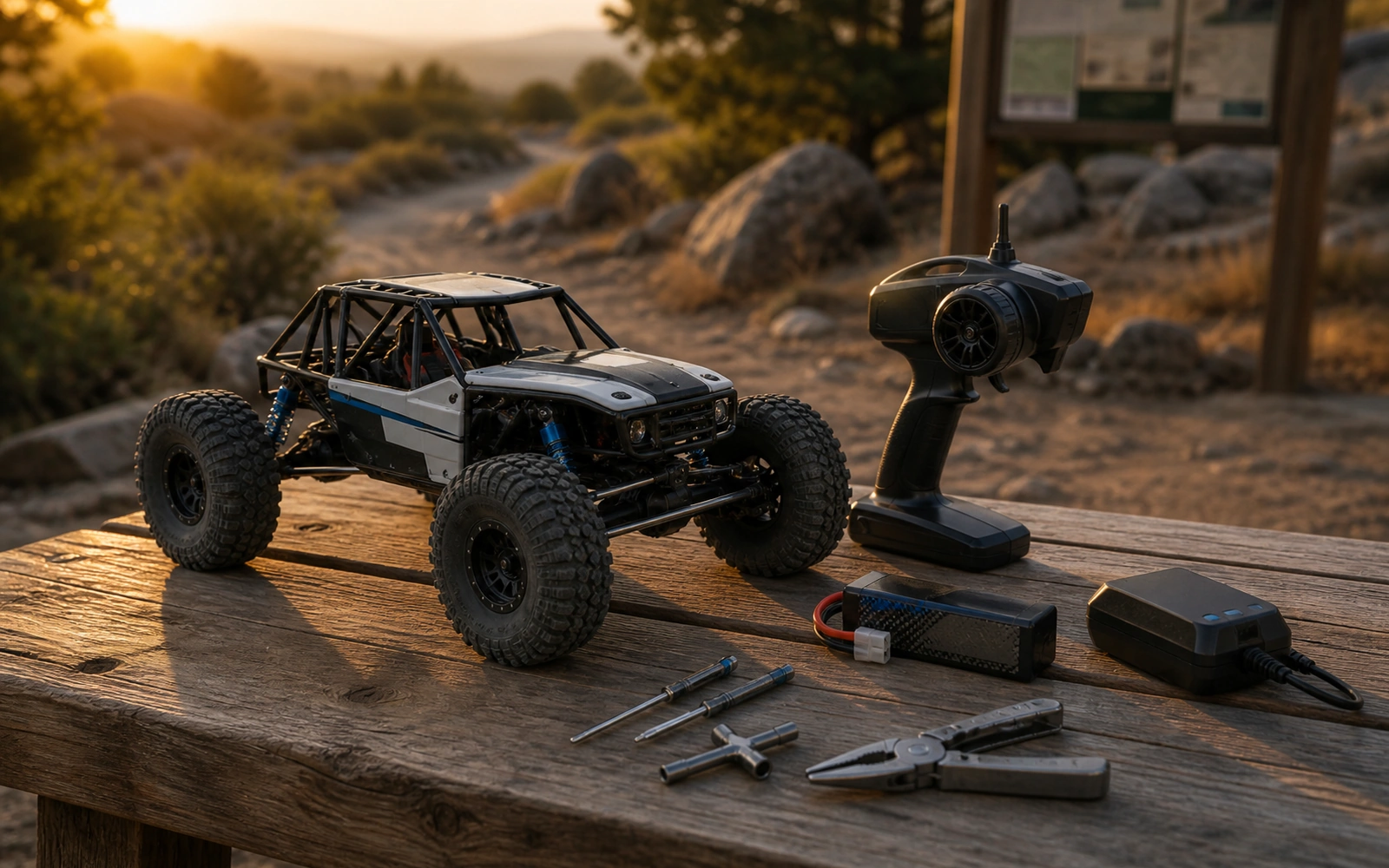
Use the platform path when the rig is known. Platform names help, but version, wheelbase, axle style, body clearance, and previous owner changes still decide whether a part belongs on the bench.
Confirm the exact rig family
Confirm scale, generation, wheelbase, axle, and body before filtering parts.
Open platform pathsUse the identifier first
Search the SKU, MPN, or manufacturer prefix exactly before broad keyword browsing.
Search by SKU or MPNCross-check the source
Compare the product title and merchant source page against your manual or measured truck.
Check seller sourcesSymptom To Upgrade Ladder
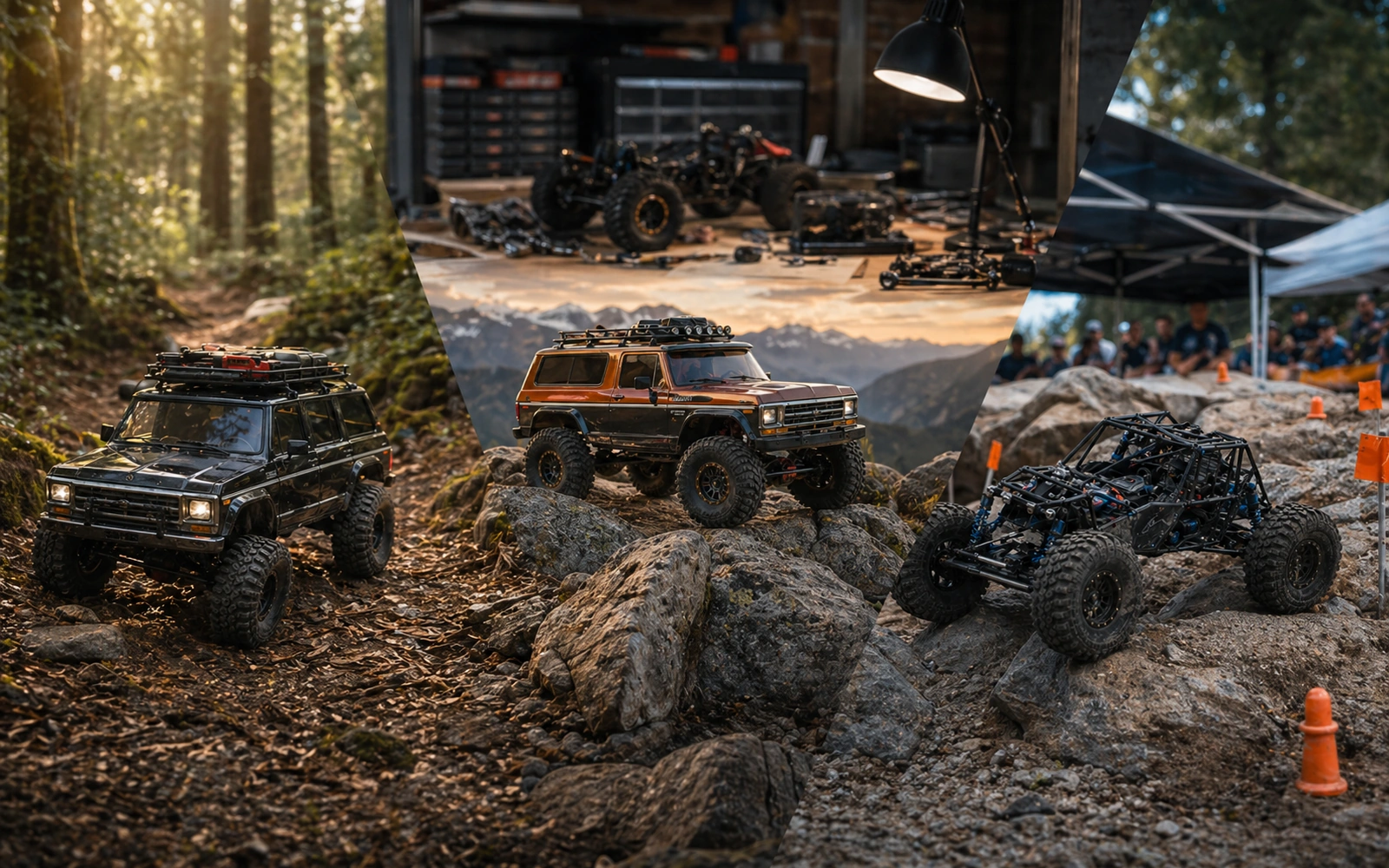
A symptom is better than a shopping mood. Name what the crawler does wrong, then use the category path as a research lane. The page should help you compare evidence, not hand you an unverified pick.
Tire compound, foam support, weight, wheel size, and terrain.
Servo size, servo horn spline, voltage, BEC support, and endpoint setup.
ESC/BEC rating, battery connector, voltage range, and wiring quality.
Low weight, wheel setup, clearance, and whether brass solves the actual line problem.
Wheel size, hex, offset, tire bead, insert volume, and body clearance.
Compatibility Trap cluster
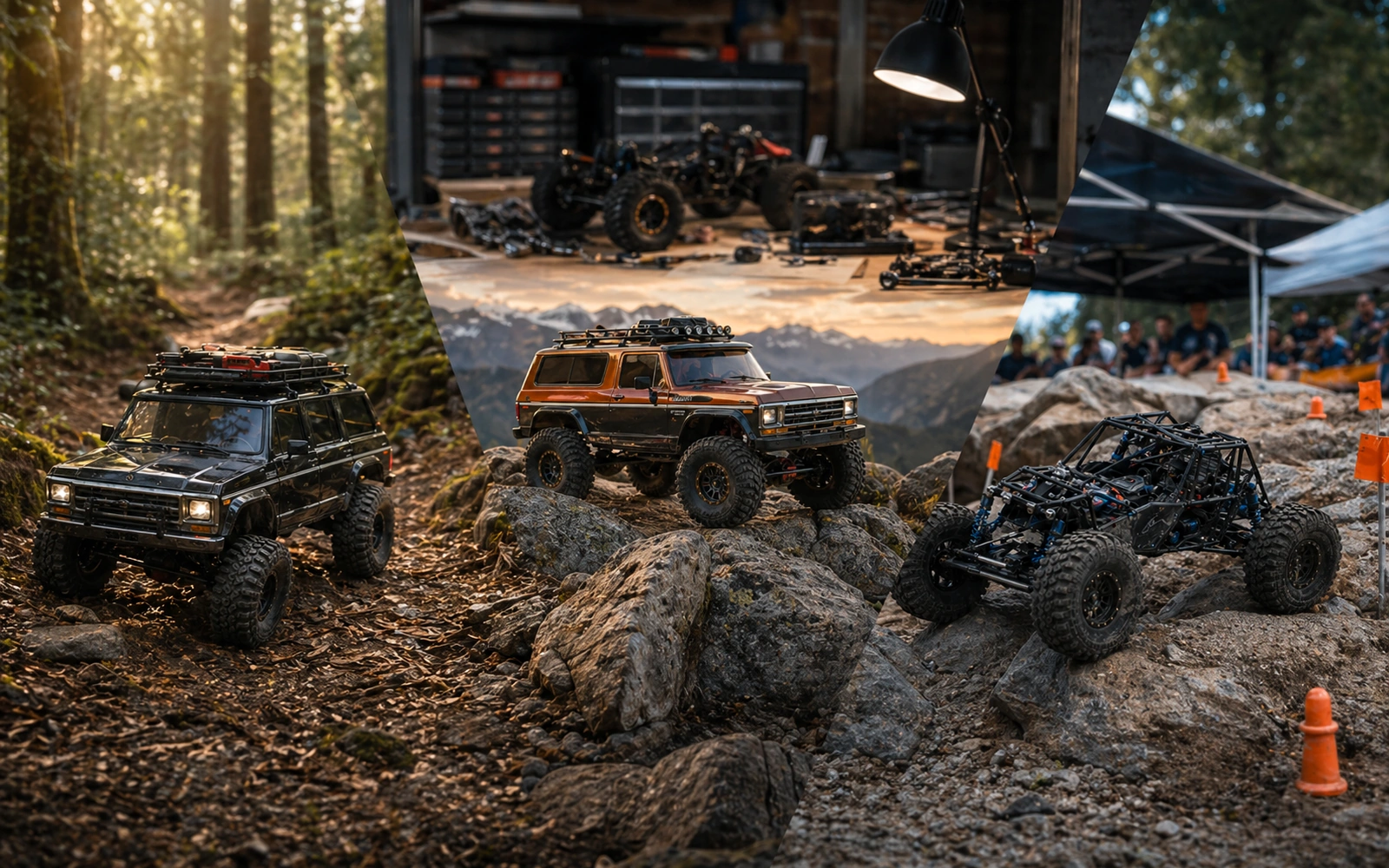
Most wrong-part purchases come from a skipped detail. Treat every fitment claim as a checklist until the product source, platform version, and your own rig agree.
- Platform version: SCX10, SCX10 II, SCX10 III, Capra UTB10, Capra UTB18, TRX-4, and TRX-4M are not interchangeable labels.
- Wheelbase and clearance: check links, driveshaft angle, tire rub, bumper position, and body trim.
- Servo spline and size: match spline count, horn length, case size, mount pattern, and endpoint travel.
- Voltage and connector: confirm ESC/BEC limits, battery plug, receiver voltage, and light or winch load.
- Tire, foam, and wheel size: match diameter, width, insert support, beadlock compatibility, and intended terrain.
- Digital versus physical: an STL listing is not a printed part, and a printed part still needs material, hardware, and cleanup checks.
Offer Research Strip

Once a category or SKU search finds a candidate, compare the offer evidence. A single listing is a lead; multiple sellers, clear stock state, stable pricing, and a clean merchant source page make the research stronger.
Check: Look for how many stores carry the same part or close equivalent.
Why: More coverage helps reveal stock, price, and naming differences.
Check: Check the marketplace stock label, then verify on the merchant page.
Why: Stock changes quickly; source confirmation prevents stale decisions.
Check: Compare low and high prices before judging an offer.
Why: Large gaps often point to bundles, variants, or stale listings.
Check: Prefer clear product titles, SKU/MPN evidence, images, and fitment notes.
Why: Better source detail reduces compatibility guesswork.
Check: Open the seller page before purchase and confirm variant, color, size, and included hardware.
Why: The final source page carries the current offer details.
Digital File Trust Panel
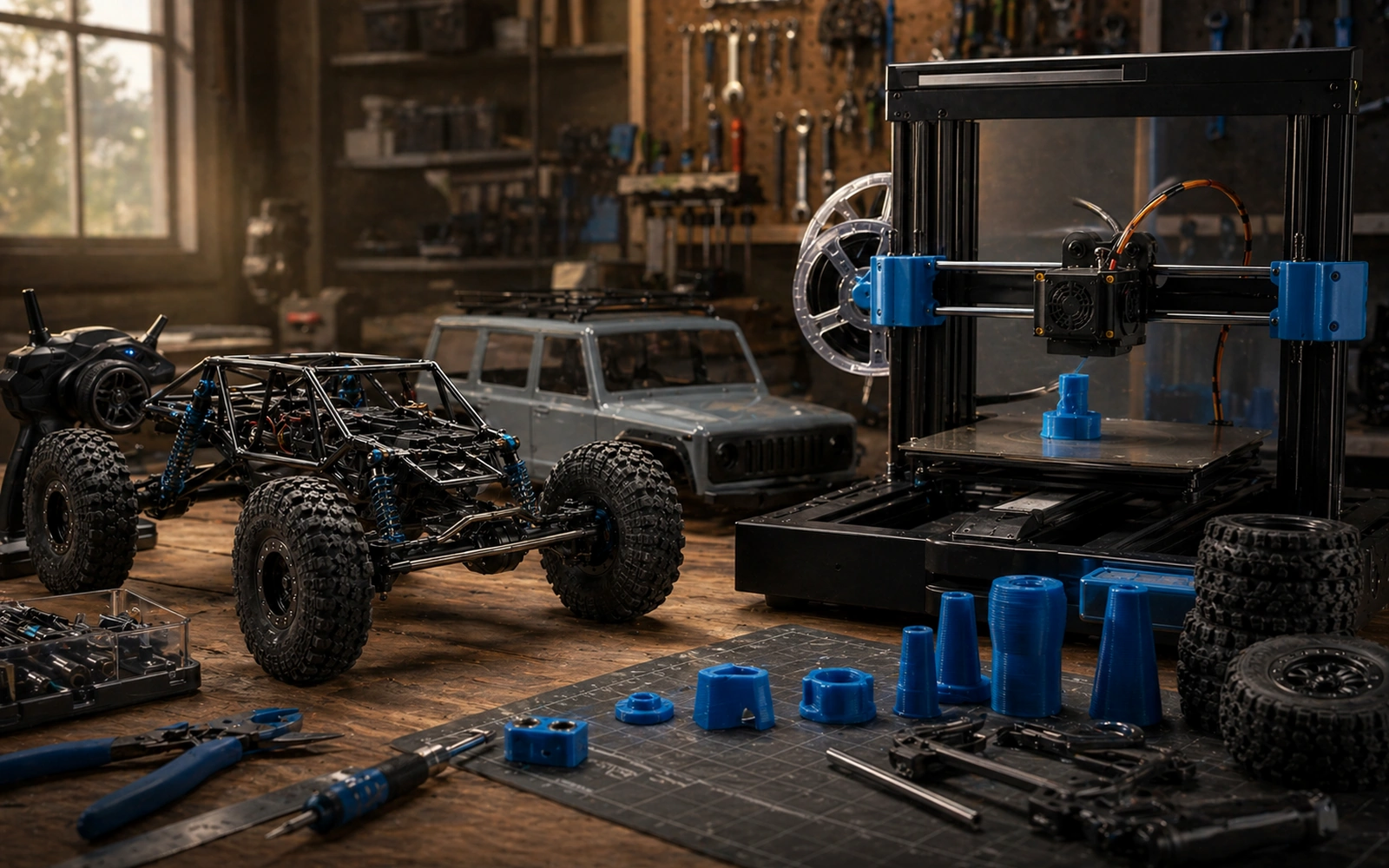
Digital crawler files need a different trust check from physical parts. The right research path starts with the creator or approved source page, then moves through license, fitment, material, print orientation, and hardware requirements.
- Discovery lane: Start in 3D Print Files and verify the creator or source page before downloading.
- License: read the terms before printing, remixing, sharing, or selling a printed result.
- Source control: do not mirror or rehost protected files; keep downloads with the creator or approved seller.
- Print reality: check material, layer orientation, heat exposure, hardware size, and post-processing before using a printed part on a rig.